DOUYIN / MCP / OPEN SOURCE
Douyin MCP.
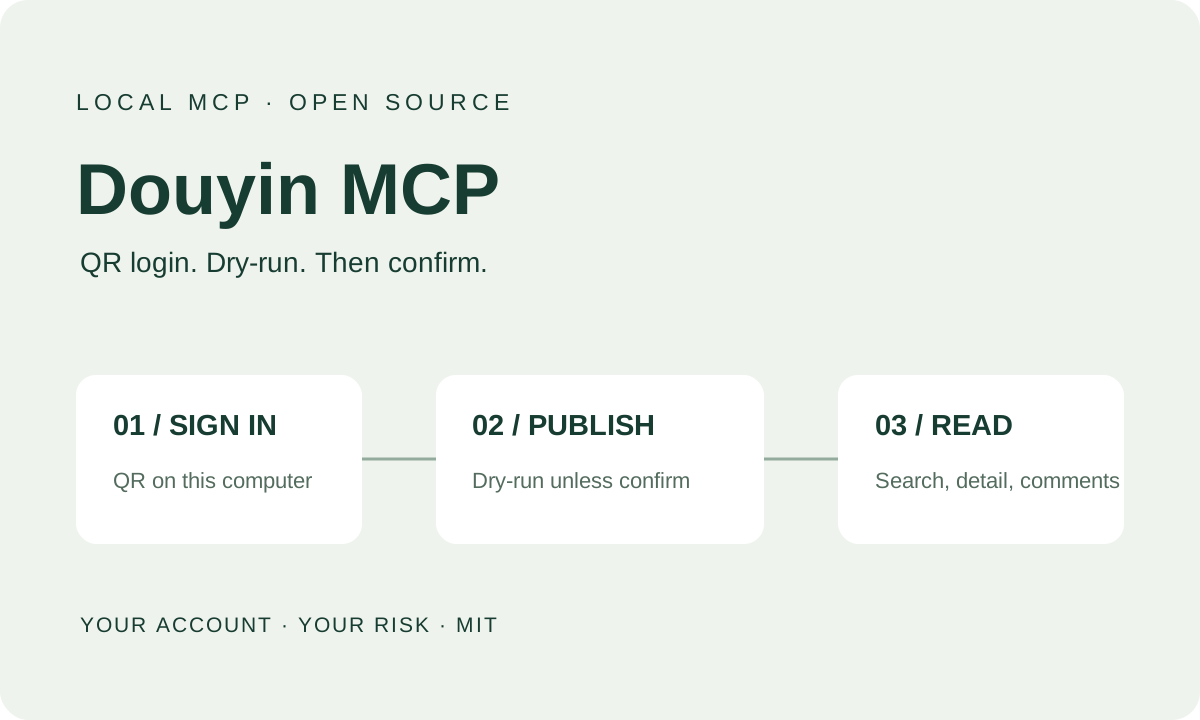
A local MCP server for Douyin: QR-code login, video and image notes (dry-run unless confirm=true), and simple reads.
View source on GitHub ↗Risk notice
This tool automates your own Douyin account in a browser. Automation may trigger risk controls (captchas, rate limits, feature restrictions) and may get the account restricted or banned. Use it sparingly. Read and follow Douyin's Terms of Service, the platform rules, and applicable law. Automation may violate those terms, and you are responsible. Use only your own account, at your own risk. Do not use it for bulk marketing, fake engagement, collecting other people's private information, or anything illegal. Login-state files under social-auto-upload/cookies/ are account credentials. Do not upload, share, or commit them. The software is provided as is, without warranty, and the author is not liable for account loss or other consequences. This project is not affiliated with Douyin or ByteDance.
Sign in, publish, and read
Scan the QR code in the local login window with the Douyin app. The login state stays on that computer. You can then publish a video, or an image note of 1 to 35 images (GIF is not supported), and run simple reads: search videos, open a video detail, load the first page of comments, and list recent posts on a profile. Reads open the real Douyin site with your login state, so keep them infrequent.
Dry-run until you confirm
Video and image-note publishing is a dry-run unless you explicitly pass confirm=true. The self-test checks that the server is up, lists tools, reads login status, and runs publish dry-runs. It never publishes.
Runs on your machine
The server listens on http://127.0.0.1:18070/mcp by default, for an MCP client on the same computer. It supports macOS and Linux. The installer prepares Python, then clones dreammis/social-auto-upload and checks out a pinned commit. This repository does not include that source. Keep the bind address on localhost.
Source and license
This project is released under the MIT license, copyright Nickstudio. Upload and login automation comes from dreammis/social-auto-upload (MIT, copyright dreammis). The repository includes Chinese and English documentation, the installer, and the risk notice. The source does not contain login credentials.
A closer look