NOTION TEMPLATE / PRODUCT MANAGEMENT
Product Manager OS.
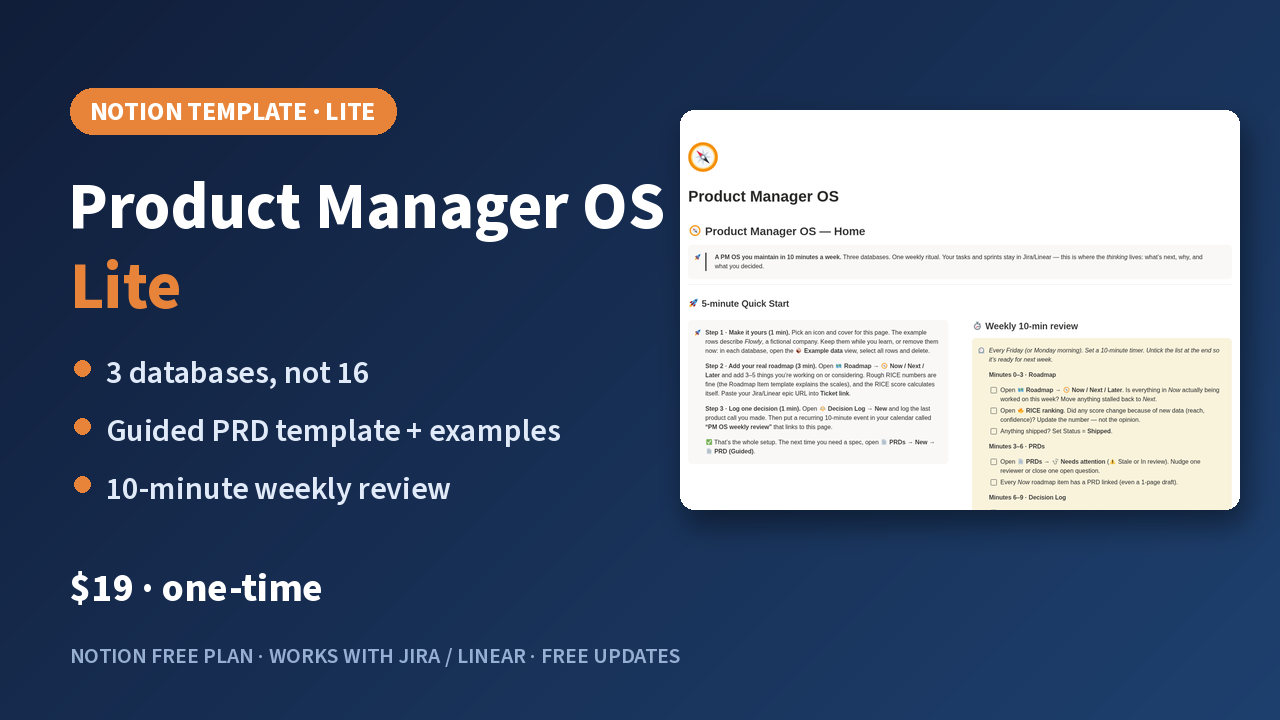
A Notion template for product managers connecting a RICE roadmap, PRDs and decisions, available in Lite and Pro.
This is a paid template. This page only describes it; the template is delivered by Gumroad after purchase. See Gumroad for current prices.
Three core databases (Lite and Pro)
Roadmap: a Now / Next / Later board with automatic RICE scoring and ranking. PRDs: a guided template with 11 sections, each with a purpose, a fill-in prompt and strong vs weak examples (with the reason it's weak), plus a 14-point quality checklist. Decision Log: a 2-minute template for context, options, rationale and a revisit trigger, with automatic reminders.
Built to stay current
The Home page has a 5-minute Quick Start and a weekly 10-minute review checklist; PRDs untouched for 14 days are flagged as stale. Example data for Flowly, a fictional B2B SaaS, can be removed in one click. Lite works fully on Notion's free plan.
What Pro adds
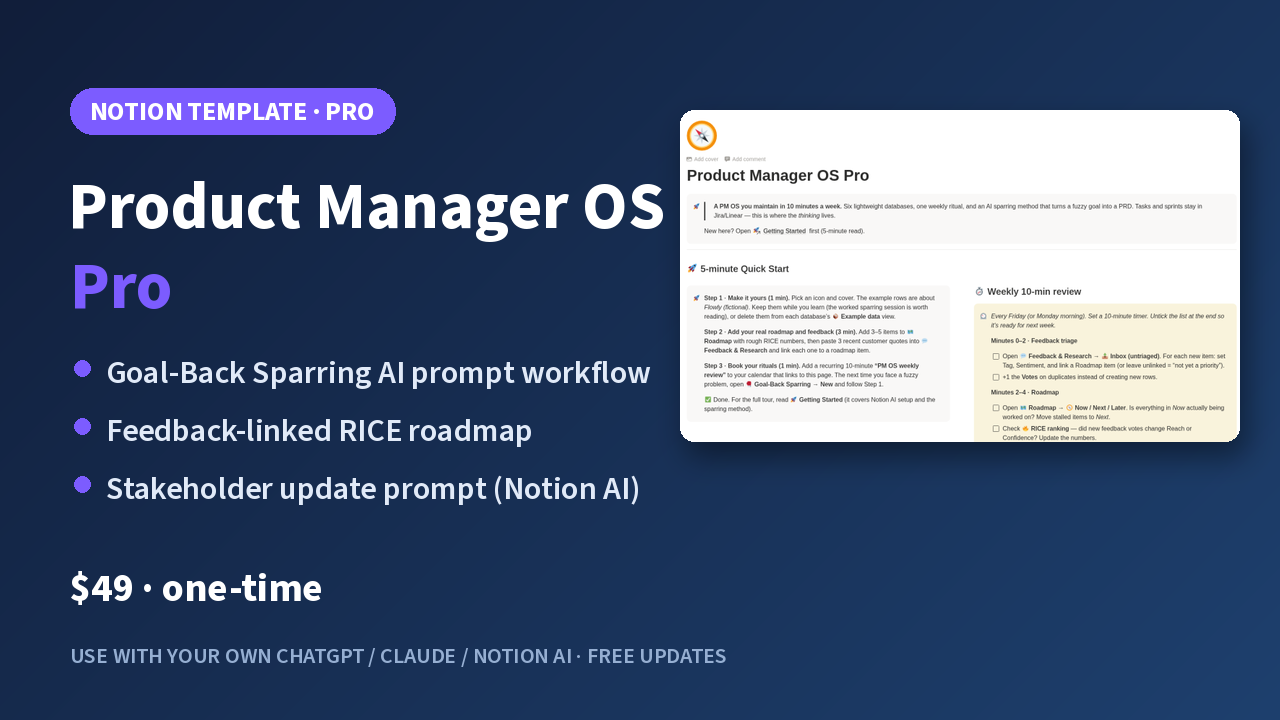
Goal-Back Sparring: an AI prompt workflow you run in your own ChatGPT, Claude or Notion AI. It turns a fuzzy goal into a PRD and has the AI play your user, your engineer and your boss to challenge the plan, with a prompt library and a fully worked 9-round example. Pro also adds a user-feedback database linked to the roadmap and a stakeholder weekly update template (requires Notion AI). Six databases in total.
About the AI
The template has no built-in AI. Pro provides ready-made AI prompt workflows that you run with your own ChatGPT, Claude or Notion AI account; the one-click stakeholder update needs Notion AI.
Purchase terms
One-time purchase, not a subscription, with free future updates and a 14-day refund. Lite owners can upgrade to Pro for $30 (offer code in the Lite receipt). All companies, people and customers in the examples are fictional.
Who this workflow suits
Product managers who want product direction, requirements and decision context together while keeping their existing task system. It does not replace team approvals, engineering schedules or project access controls. Choose the edition that addresses your current need.
Start with one real requirement
After duplicating the template, review the home page and examples. Add one roadmap item with a problem and prioritization rationale, link a PRD and a ticket in your existing task system. Record important trade-offs as decisions, then use the weekly checklist to review status and blockers.
FAQ: Should I choose Lite or Pro?
Start with Lite if you need a roadmap, PRDs and a decision log. Consider Pro if you also need user feedback, research organization and the Goal-Back Sparring AI prompt workflow. Check the corresponding Gumroad page for exact deliverables and purchase terms.
FAQ: Do I need a separate AI subscription?
The core Lite workflow does not need AI. Pro prompts run in an external AI account of your choice; availability, quotas and costs depend on that service. Drafting stakeholder updates with Notion AI requires Notion AI. The template does not supply a model service.
A closer look